Balance & withdrawals: balance and statement of your receiving account
The Balance & withdrawals tab shows, read live from Asaas, the available balance, the receivables and the statement of your receiving account.
- Available on All plans
- For Host account: workspace owner and team members with the Finance module (View or Act level)
What it is
Finance → Balance & withdrawals (/finance/balance; the old /banking address redirects here) is the balance and statement of your receiving account. The account is an Asaas subaccount with no dashboard of its own at Asaas, so this is the screen where you see your money. Everything is read live from Asaas, with no cache: if the query fails you see the error, never a stale number. In this version the tab is read-only — there is no withdrawal button.
Before you start
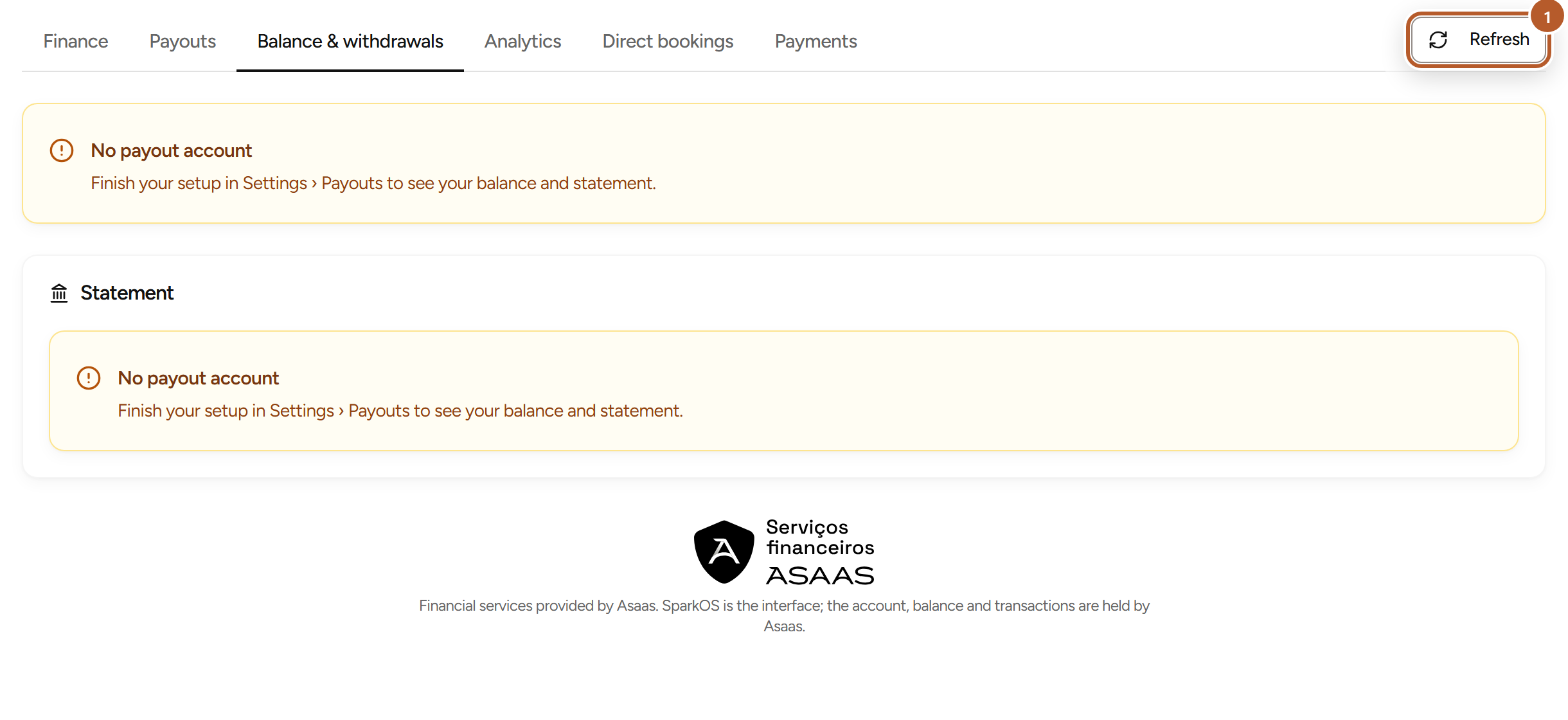
- A registered Asaas receiving account. Without it, the screen shows “No payout account” and asks you to complete onboarding in Settings (the tab is Payouts).
Step by step
- Open Finance → Balance & withdrawals.
- Read the three cards:
| Card | What it shows |
|---|---|
| Available to withdraw | money already released by Asaas |
| Receivable (open charges) | charges issued and not yet paid, with a count of charges |
| Paid, awaiting release | paid charges whose amount has not been released yet |
- Note the warning that available balance and receivables are different quantities and must not be added together.
- In the Statement section, see Date, Description, Amount (green for credits and red for debits) and Balance after, 25 transactions per page; navigate with Previous and Next.
- Click Refresh to re-read balance and statement.
What happens next
Nothing is stored: every visit queries Asaas again. If part of the statistics fails, a note says that part of the receivables could not be queried right now. When the whole query fails, one of the notices below replaces the cards.
| Notice (as displayed) | Meaning |
|---|---|
| “Account not found at Asaas” | the account exists in SparkOS but was not found at Asaas — contact support; it is not a lack of funds |
| “Account credential unavailable” | the account’s access key must be reissued — contact support |
| “Asaas is unavailable right now” | no answer from Asaas; nothing is shown from cache |
| “Couldn’t load” | generic error; try again in a moment |
FAQ
How do I withdraw money?
Not from this screen in this version: the tab is read-only and there is no withdrawal through SparkOS.
Can I add “Available to withdraw” and “Receivable” together?
No. They are different quantities from different queries; the screen says so under the cards.
Which currency are the amounts in?
Brazilian Real (BRL), the currency of the Asaas account.
Why does the Payouts tab show the same balance?
The “Available balance” and “Clearing” cards on Payouts come from the same Asaas query as the cards on this tab.
Updated on 10/3/2026