How reservations arrive from your channels
Connect your channel manager so reservations from Airbnb, Booking.com and other channels show up and stay up to date in SparkOS on their own.
- Available on All plans
- For All workspace members
What it is
Reservations from Airbnb, Booking.com and other channels reach SparkOS through your channel manager (PMS). Once you connect your PMS, SparkOS imports properties, reservations and guests, and from then on receives updates on its own. Reservations show up in Reservations, each with its source channel.
Before you start
Have your PMS API credentials at hand. The connection window shows, under Where to find your credentials:, where to find them in each system.
Step by step
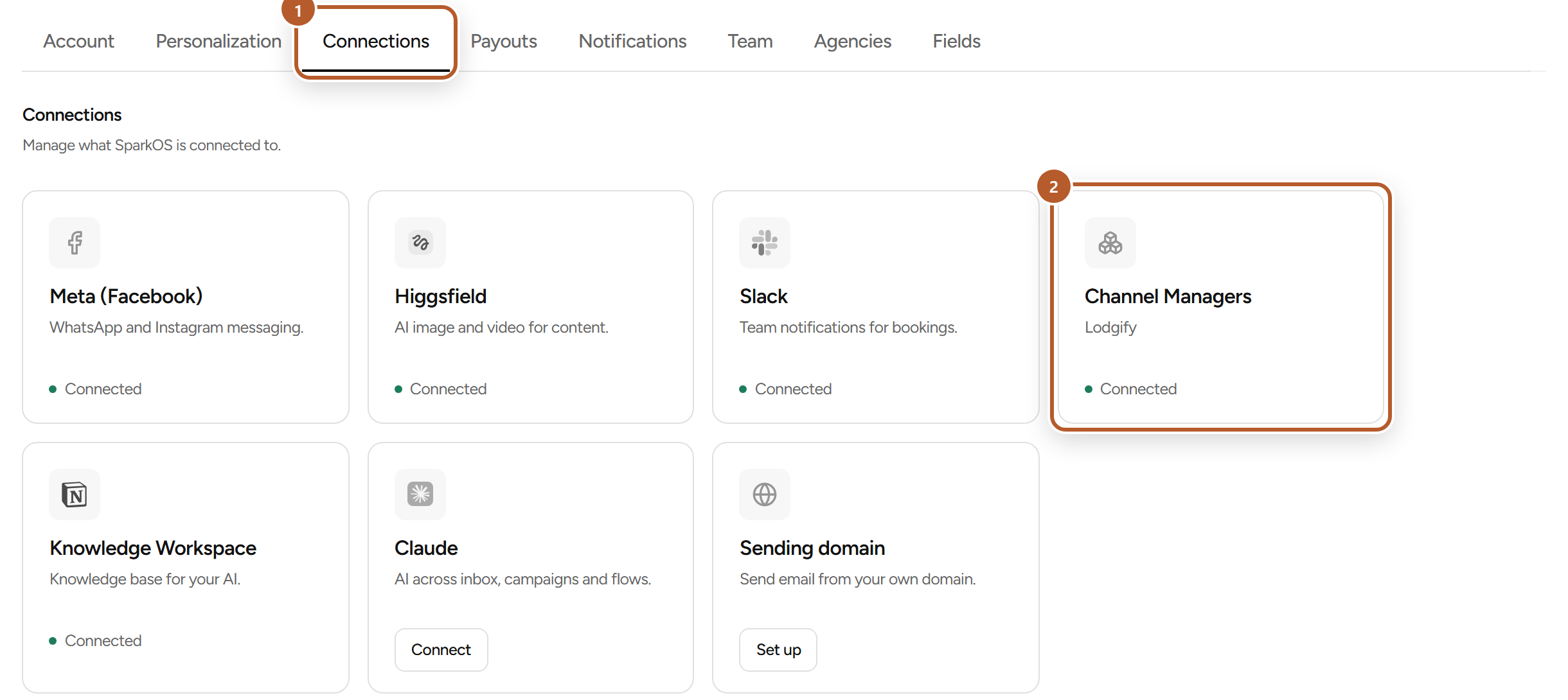
- Go to Settings > Connections (/settings?tab=integrations) and open the Channel Managers card.
- On the system you use, click Connect. A system marked Coming soon cannot be connected yet. The fields it asks for vary:
| System | Fields |
|---|---|
| Lodgify | API Key |
| Stays.net | API Login, API Password, Stays URL / Account ID |
| Hostfully | App Key, Agency UID |
| Guesty | Client ID, Client Secret |
- Click Connect. SparkOS verifies the credentials and imports properties, reservations and guests. This may take a few minutes.
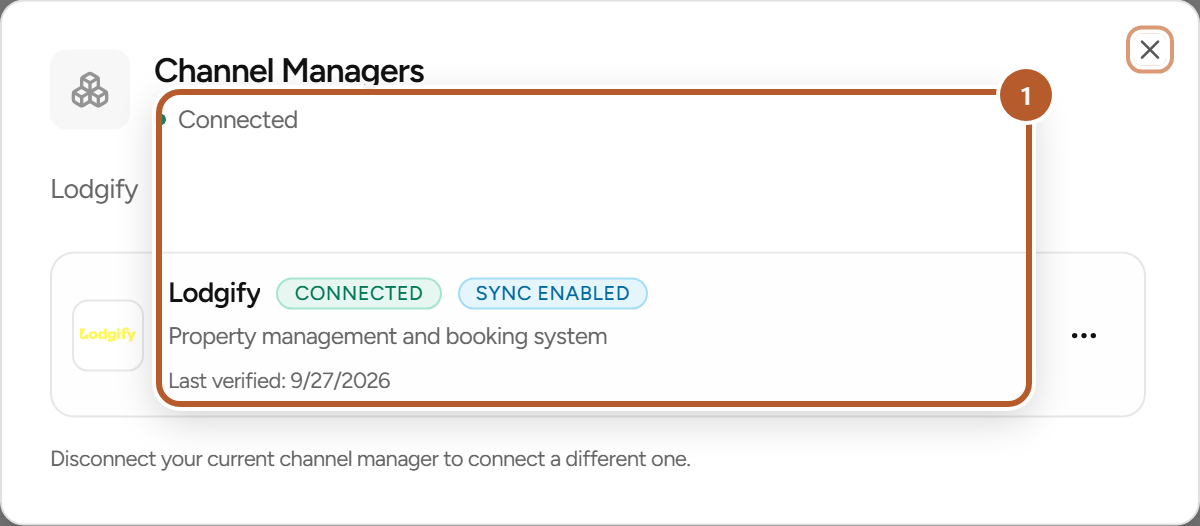
- Afterwards, the system’s card shows the connection status (Connected), whether sync is on (Sync enabled) and the Last verified date.
- Open Reservations to see the imported reservations. In the Table, the Source filter splits reservations by channel.
What happens next
- When you connect Lodgify, Stays.net or Guesty, SparkOS registers webhooks with that system. New or changed reservations arrive without you doing anything.
- For Lodgify accounts, SparkOS also runs periodic syncs, which cover, for example, reservations removed in the PMS.
- If a sync fails, you get a notification linking to Connections, and the Board warns that the reservations may be out of date.
- Reservations created in SparkOS for synced properties go to your PMS, which blocks the dates on your connected channels.
FAQ
Can I change a reservation’s stage on the Board?
No. A reservation moves between columns on its own as it advances in your PMS and as the stay dates pass.
What happens if I disconnect the system?
SparkOS asks you to confirm, and automatic updates stop. Despite the warning that synced data will be removed, nothing is deleted: that system’s reservations are archived, active properties become inactive and guests stay. If you reconnect the same system, reservations and properties come back.
Where can I see which channel a reservation came from?
In the guest column of the Table, by the channel letter on the avatar, and in the Channel field on the reservation page.
Updated on 10/2/2026