Instagram in the Inbox and in Contacts
Where Instagram direct messages and comments show up, how to reply inside the 24-hour window, and how the person lands in Contacts.
- Available on Pro
- For Owner and team members with the Marketing & Studio permission (Marketing role)
What it is
Everything Instagram delivers to SparkOS becomes a conversation and a contact: the direct message, the comment that started a flow, and the story mention. The Inbox shows the conversations under the Instagram tab; Contacts shows the person with the source Instagram.
Before you start
- Instagram connected under Settings → Connections. Without it, replying in the Inbox shows “Connect Meta Business in Settings → Integrations to reply on Instagram.”
In the Inbox
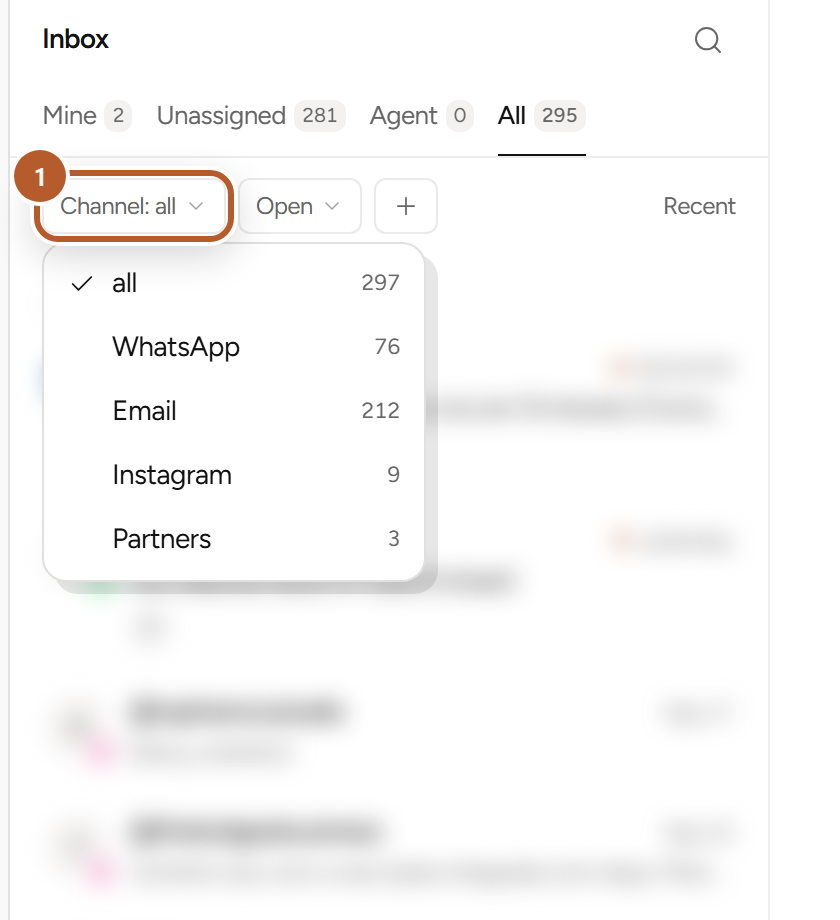
- Open the Inbox. Instagram conversations sit in the same list as the others, with the Instagram icon next to the picture. In the Channel filter, the Instagram option appears as soon as the account has its first Instagram conversation; pick it to see only those.
- Each conversation carries the person’s name as @username and their profile picture, when Instagram delivers them. Until it does, the conversation shows as “Instagram” followed by the last digits of the identifier.
- The composer reads Type an Instagram message… while the 24-hour window is open. The window opens with a message from the person, and every new message from them renews it.
- With the window closed, the composer says The 24-hour Instagram window is closed — the guest has to message you again. Instagram has no approved templates like WhatsApp: the conversation only comes back when the person writes.
- The text of a comment on your post enters the person’s conversation as a message from them, and a public reply posted by a flow enters as a message from you. Neither opens the window.
- When Instagram says who mentioned you in a story, the mention enters the conversation as a system line.
In Contacts
- Anyone who comments or sends a DM lands in Contacts with the source Instagram, the name equal to their @, and no phone or email. If the same person later writes on WhatsApp or books, they show as another contact: Instagram gives SparkOS neither a phone nor an email to recognise the person by.
- Answers a flow saved with an Action step sit on the contact’s profile, under custom fields.
- Under Run flow on the contact’s profile, flows that start only from Instagram are not listed: they need a comment or a DM to exist.
Notifications
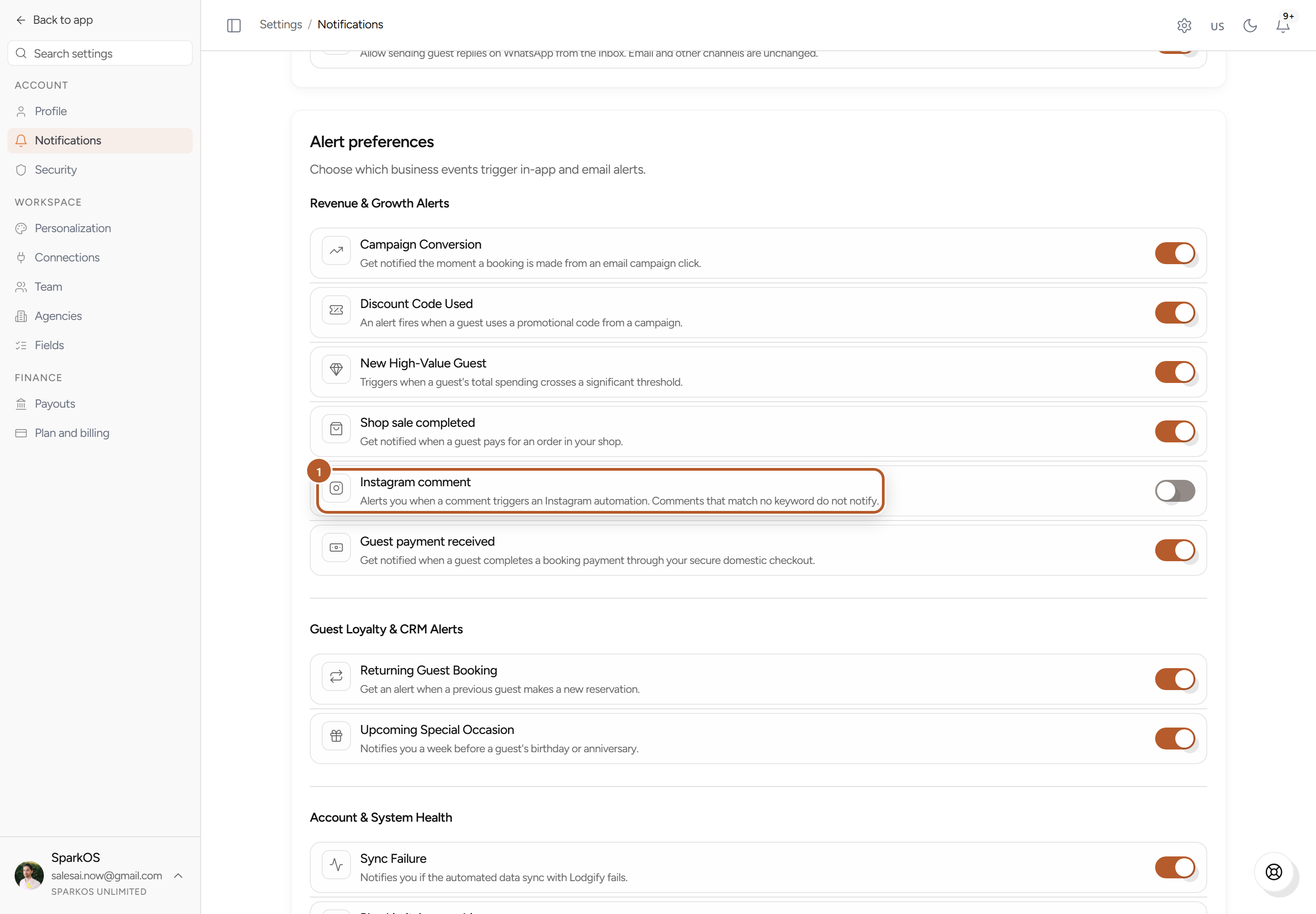
- The bell says “@username commented on your post” only for comments that started a flow; comments with no match do not notify. The preference lives under Settings → Notifications, item Instagram comment.
- Comments with no match stay under Studio → Comments, tab No match, where the panel “What your audience is actually typing” shows the most common terms.
FAQ
I replied and the message did not go out.
Read the notice: “Instagram 24h window expired” means the person has to write first; “Connect Meta Business” means the connection dropped or was removed and needs Reconnect under Connections.
The person shows twice in Contacts.
One contact came from Instagram (@ only) and the other from WhatsApp or a reservation (phone or email). SparkOS does not merge them by itself, because Instagram delivers neither phone nor email; the Instagram history stays on the @ contact.
Does the AI assistant answer on Instagram?
Only when automatic replies are switched on for the account and no flow owns the conversation. While a flow is waiting for the person’s reply, the assistant does not answer over it.
Updated on 10/10/2026